Most popular
Monthly
$39 /month
One flat price for the full studio. Cancel any time.
- Create, Edit, Headshots and Video
- Grow on social tools
- Full commercial usage rights
Airbrush Studio
Create images and videos with AI, edit them in a click, then see what is working on social before you post. One studio, one flat monthly price.
 Example
Made with Airbrush
Pick an example to see the picture behind the description.
Commercial rights included
Free to start
Secure payments by Stripe
Cancel any time
The studio
Pick a tool, drop in a photo or a short prompt, and get a result you can use today.

Product photos, ad creatives, illustrations and art from a short description.
Open in studio (Create)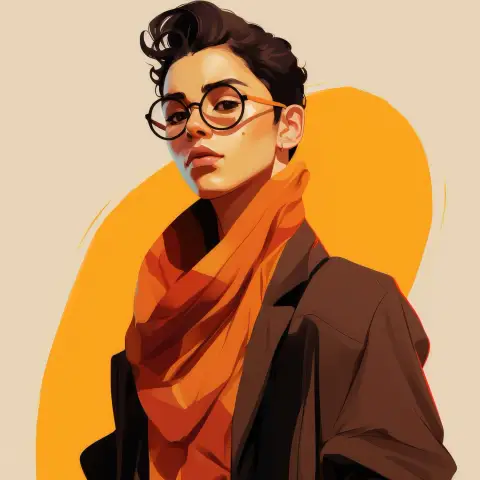
Remove backgrounds, erase objects, upscale, vectorize and fix lighting in a click.
Open in studio (Edit)
Studio quality headshots for LinkedIn, teams and profiles from a few selfies.
Open in studio (Headshots)
Turn an idea into a video with voiceover, edit your footage, and turn one video into many fresh variations.
Open in studio (Video)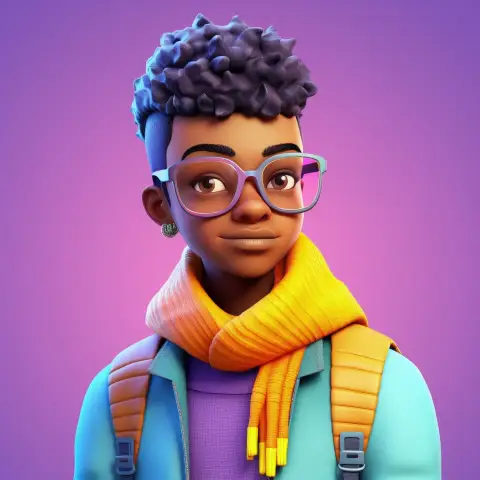
Everything you make is saved in one tidy library, ready to download or reuse.
Open in studio (Library)Video
Turn one video into many fresh variations to post and test, make a new video from an idea, or edit the footage you already have. No editing skills needed.
Re-edited in its own style, pacing and captions, ready to post or A/B test.
Idea or script to video with voiceover.
Raw footage to a finished, captioned edit in your browser.
The research library Rolling out
Research your niche, see what is trending, spy on ads and check a video before it goes live. Then make it in the same studio.
How it works
Create, edit, headshots or video. Start from the tool that fits the job.
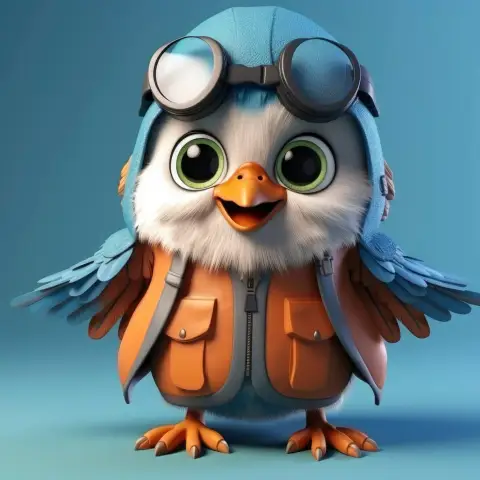
Upload what you have or describe what you want.

Save your result to your library, download it and post it. Full commercial usage rights included.
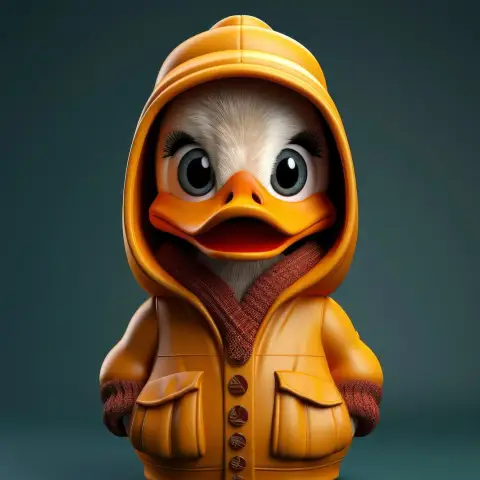
Gallery
Real Airbrush outputs across styles, from 3D characters to anime to illustrated portraits.

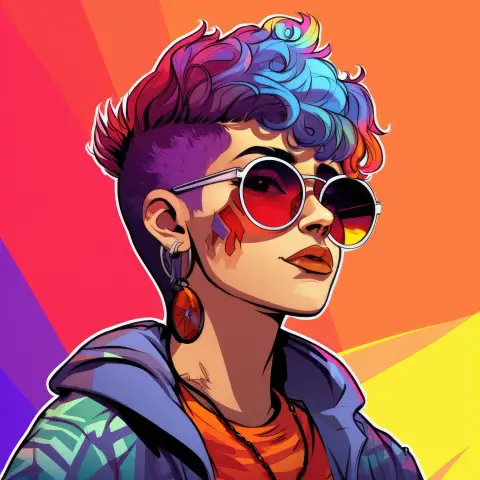

Examples are real Airbrush outputs.
Pricing
One flat monthly price for the full studio.
| Tool | What you get |
|---|---|
| Create | Product photos, ad creatives, illustrations and art |
| Edit | Upscale, remove backgrounds, vectorize and touch up |
| Headshots | Professional headshots from your own photos |
| Video | Variations, video from an idea, and edits in your browser |
| Grow on social | Viral research, ad spy, product trends and a pre-post check |
| Puff | Your AI assistant for ideas, scripts and captions |
Full commercial usage rights on everything you make.
Most popular
$39 /month
One flat price for the full studio. Cancel any time.
$0
A free way to see what Airbrush can do.
Prefer to pay once? See the lifetime deal / See plans
Secure payments handled by Stripe.
FAQ
Airbrush Studio is the new home of Airbrush. It brings image creation, editing, headshots, video and your library together in one place, with tools to research what is going viral in your niche and grow on social.
Add one video and Airbrush re-edits it into several fresh versions, each with its own style, pacing and captions. Post them across your accounts or test which one does best.
Yes. You get full usage rights to the images you create with Airbrush, including commercial projects, prints and merchandise.
No. Pick a tool, upload a photo or type a few words, and Airbrush does the heavy lifting.
You can start free. The Monthly plan is $39 per month, flat, and you can cancel any time.
Log in as usual. Your library stays where it was.
Email support@ai4chat.co or chat with us from inside the app.
Airbrush uses several image models. You get sensible defaults, and you can pick a different look when you want to.